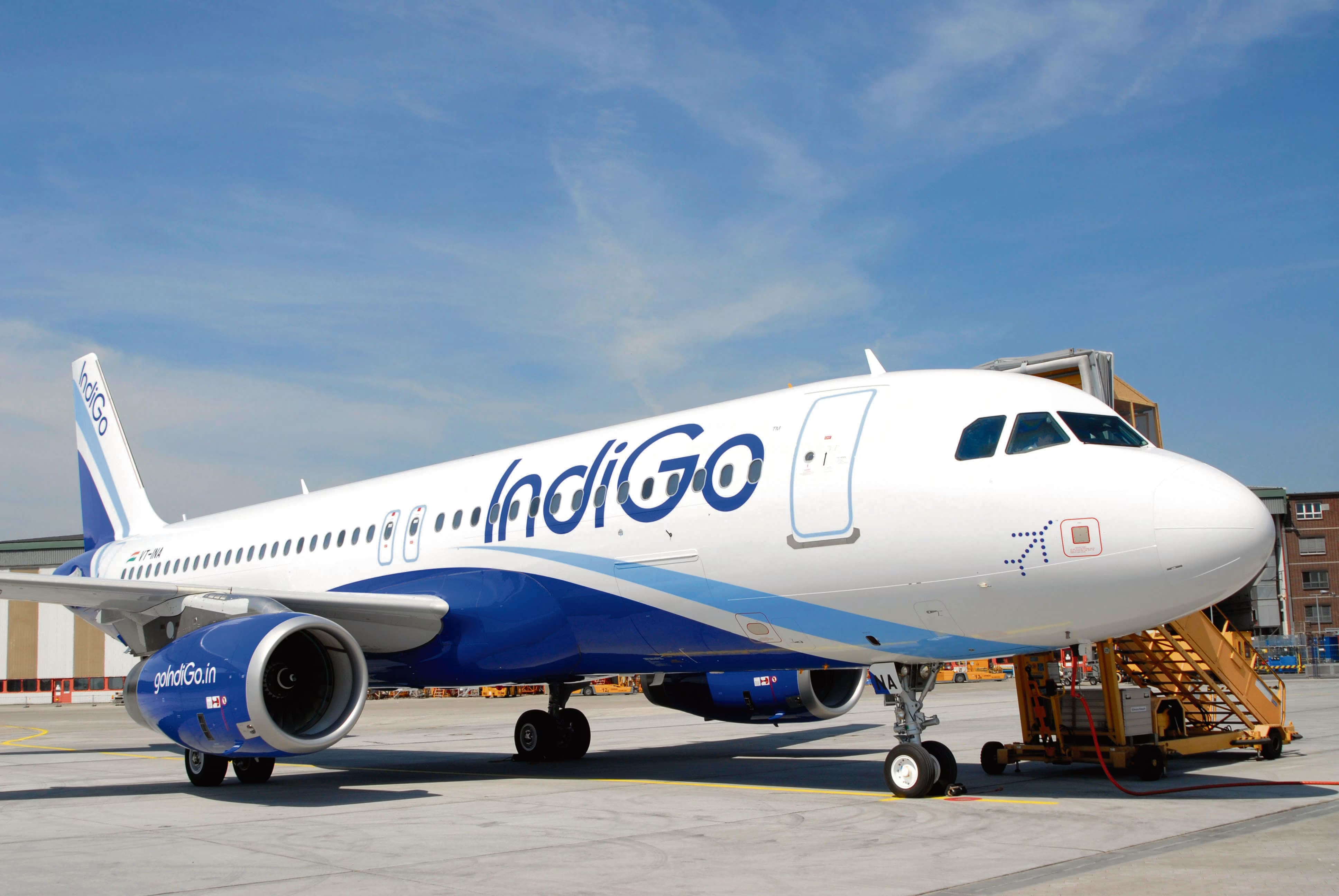
Planning your next journey with IndiGo? Make your travel experience faster and more convenient with IndiGo’s web check-in facility. As India’s largest airline, IndiGo operates more than 1,500 flights every day and serves millions of passengers across domestic and international destinations. By completing your check-in online, you can avoid long airport queues and enjoy a hassle-free start to your trip.
This step-by-step guide explains everything you need to know about IndiGo web check-in, including eligibility, deadlines, seat selection, baggage rules, and useful travel tips.
Why Use IndiGo Web Check-in?
IndiGo has become one of the most trusted airlines in India, known for its extensive route network, affordable fares, and strong on-time performance. Web check-in adds another layer of convenience by allowing passengers to complete the check-in process before arriving at the airport.
With IndiGo web check-in, you can:
- Save valuable time at the airport
- Select your preferred seat in advance
- Access your boarding pass digitally
- Reduce waiting time at check-in counters
- Manage your travel plans more efficiently
Passengers can generally check in online up to 48 hours before departure, making travel preparation simple and stress-free.
Things You’ll Need Before Checking In
Before starting the web check-in process, keep the following details handy:
- IndiGo booking reference number (PNR)
- Valid government-issued ID proof
- Registered mobile number or email address
- Smartphone, tablet, or computer with internet access
For most domestic flights, web check-in remains available until 60 minutes before departure, while international flight deadlines may vary depending on the route.
How to Complete IndiGo Web Check-in
Step 1: Visit the Check-in Page
Open the IndiGo website or mobile app and navigate to the “Web Check-in” section. You can also access check-in through the Manage Booking option.
Step 2: Enter Booking Information
Provide your PNR number along with your last name exactly as mentioned on your booking confirmation.
Step 3: Select Your Flight
If your itinerary includes multiple sectors, choose the specific flight for which you want to complete check-in.
Step 4: Verify Passenger Details
Review all passenger information carefully, including names, contact details, and any special requests. If you spot an error, contact customer support before proceeding.
Step 5: Choose Your Seat
Depending on availability, you can select from different seating options:
- Standard seats
- Preferred seats
- Extra legroom seats
- Emergency exit row seats
Some seat categories may involve an additional fee.
Step 6: Add Optional Services
Passengers can enhance their travel experience by adding services such as:
- Additional baggage allowance
- Pre-booked meals
- Travel insurance
- Priority boarding
Step 7: Download Your Boarding Pass
Once your check-in is complete, download your boarding pass or have it sent directly to your registered email address. Keep a digital or printed copy ready for airport verification.
IndiGo Mobile Check-in
Travellers who prefer managing their bookings on smartphones can use the IndiGo mobile app for check-in. The app offers several useful features, including:
- Mobile boarding passes
- Flight status updates
- Seat selection tools
- Booking management options
The mobile check-in process is similar to web check-in and can be completed within a few minutes.
Baggage Rules to Remember
Understanding baggage policies before travelling can help you avoid last-minute surprises.
Cabin Baggage
- Up to 7 kg per passenger (subject to airline rules)
Checked Baggage
- Allowance varies depending on route and fare type
Special Items
- Sports equipment
- Musical instruments
- Oversized baggage
These items may require prior approval or additional charges.
Passengers travelling with cabin baggage only can often proceed directly to security after completing web check-in.
Common Web Check-in Issues and Solutions
Booking Not Found
Double-check your PNR and surname. Also, ensure you are attempting check-in within the permitted time window.
Seat Selection Unavailable
Popular seats may sell out quickly. Consider alternative options or check again later if seats become available.
Payment Problems
If purchasing additional services, verify that your payment method is active and has sufficient balance.
Special Assistance for Passengers
Passengers requiring special assistance should notify the airline in advance. This includes:
- Wheelchair assistance
- Medical support
- Unaccompanied minor services
- Support for passengers with reduced mobility
Early notification helps ensure smoother arrangements on the day of travel.
Important Check-in Deadlines
Domestic Flights
- Online check-in opens: 48 hours before departure
- Online check-in closes: 1 hour before departure
- Airport check-in closes: 45 minutes before departure
International Flights
- Online check-in opens: 48 hours before departure
- Online check-in closes: 2 hours before departure
- Airport check-in closes: 60 minutes before departure
Always verify the latest timings for your specific route.
Benefits of Online Check-in
Completing web check-in offers several advantages:
- Faster airport experience
- Better seat availability
- Reduced waiting time
- Easy access to boarding passes
- Convenient travel management
These benefits make online check-in an essential part of modern air travel.
Final Travel Tips
For a smooth journey:
- Complete check-in as early as possible
- Keep your boarding pass readily available
- Carry valid identification documents
- Monitor flight updates before departure
- Reach the airport within the recommended reporting time
Conclusion
IndiGo web check-in is a simple yet valuable feature that helps travellers save time and avoid unnecessary airport delays. Whether you’re travelling for business or leisure, completing check-in online allows you to start your journey with greater convenience and peace of mind.
By following the steps outlined in this guide, you can enjoy a seamless check-in experience and focus on what matters most—your trip ahead.